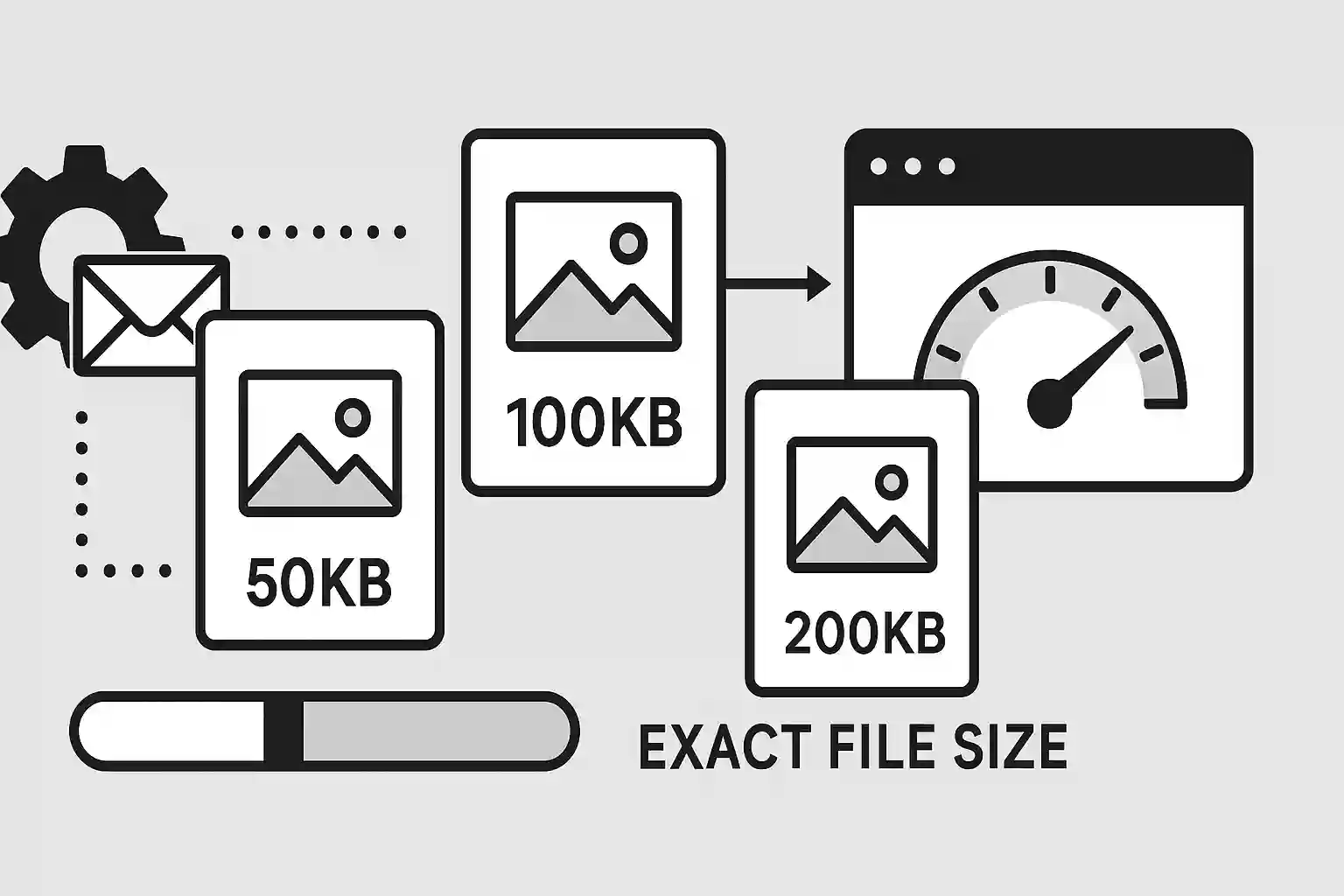
Need to compress images to exact file sizes for specific requirements? Whether you're preparing images for email attachments, website optimization, or platform restrictions, achieving precise file sizes can be challenging. In this comprehensive guide, you'll learn how to compress images to 50KB, 100KB, 200KB and other target sizes while maintaining the best possible quality. We'll cover techniques, tools, and strategies for consistent results every time.
Table of Contents
Why Target Specific File Sizes?
There are many scenarios where you need to compress images to specific file sizes:
Common Use Cases
Email Attachments
Typical limit: 25MB total, 1-5MB per image
Recommended size: 50-200KB per image
Why: Faster sending, better deliverability
Website Performance
Typical target: Under 100KB for content images
Recommended size: 50-150KB depending on importance
Why: Faster loading, better SEO rankings
Social Media
Platform limits: Vary by platform (2-30MB)
Recommended size: 100-500KB for optimal quality
Why: Faster uploads, consistent quality
Mobile Apps
Typical requirement: Under 200KB for thumbnails
Recommended size: 20-100KB depending on use
Why: Reduced data usage, faster loading
Business Requirements
- Document management systems: File size limits for uploads
- E-commerce platforms: Product image size restrictions
- Content management: Storage and bandwidth optimization
- Print services: Specific file size requirements for processing
Factors Affecting Compression Results
Understanding these factors helps achieve consistent target file sizes:
Image Content Factors
- Complexity: Simple images compress better than complex ones
- Color count: Fewer colors = better compression
- Noise and grain: Clean images compress more efficiently
- Contrast levels: High contrast areas are harder to compress
Technical Factors
- Original dimensions: Larger images need more aggressive compression
- File format: JPEG, PNG, WebP have different compression characteristics
- Quality settings: Lower quality = smaller file size
- Metadata: EXIF data adds to file size
Compression Reality Check
A photo with many details might need 60% quality to reach 100KB, while a simple graphic might achieve the same size at 85% quality. Content matters more than settings!
How to Compress Images to 50KB
Achieving 50KB file sizes requires aggressive optimization but is perfect for thumbnails and email attachments:
Step-by-Step Process
- Resize first: Resize to maximum 800px width
- Choose JPEG format: Best compression for photos
- Set quality to 60-75%: Start with 70% and adjust
- Remove metadata: Strip EXIF data to save space
- Use progressive encoding: Better perceived loading
Recommended Settings for 50KB
| Image Type | Max Dimensions | Quality Setting | Format | Expected Result |
|---|---|---|---|---|
| Simple graphics | 800×600px | 75-80% | JPEG/WebP | 40-50KB |
| Photographs | 600×400px | 65-70% | JPEG/WebP | 45-55KB |
| Screenshots | 800×500px | 70-75% | JPEG/WebP | 35-50KB |
| Logos/Icons | 400×400px | PNG-8 | PNG | 20-40KB |
Quick 50KB Compression
Use our target size compressor for automatic 50KB compression:
- Upload your image
- Select "Target Size" option
- Enter "50" KB as target
- Click compress and download
How to Compress Images to 100KB
100KB is an excellent balance for web images, providing good quality while maintaining fast loading:
Optimal Settings for 100KB
Blog Images
Dimensions: 1200×800px max
Quality: 75-85%
Format: JPEG or WebP
Use case: Article featured images, content illustrations
Product Photos
Dimensions: 1000×1000px max
Quality: 80-85%
Format: JPEG or WebP
Use case: E-commerce product listings
Social Media
Dimensions: Platform-specific
Quality: 75-80%
Format: JPEG
Use case: Instagram, Facebook posts
Advanced 100KB Techniques
- Smart cropping: Focus on important image areas
- Color optimization: Reduce color palette for graphics
- Sharpening: Apply subtle sharpening before compression
- Format testing: Compare JPEG vs WebP results
100KB Pro Tip
For 100KB targets, start with 80% quality and adjust dimensions if needed. It's often better to reduce size slightly than to over-compress.
How to Compress Images to 200KB
200KB allows for high-quality images while maintaining reasonable file sizes for web use:
High-Quality 200KB Settings
Hero Images
Dimensions: 1920×1080px
Quality: 85-90%
Target: 180-200KB
Best for: Website headers, featured content
Portfolio Images
Dimensions: 1600×1200px
Quality: 88-92%
Target: 150-200KB
Best for: Photography portfolios, galleries
Print-Ready Web
Dimensions: 1400×1000px
Quality: 90-95%
Target: 180-220KB
Best for: High-quality previews, detailed images
Tools and Methods for Target Size Compression
Choose the right tool for your target size compression needs:
Online Tools (Recommended)
- ImgNinja Target Size Compressor: Automatic compression to exact file sizes
- Benefits: No software installation, batch processing, privacy protection
- Features: Quality preview, format conversion, metadata removal
Desktop Software
- Adobe Photoshop: "Save for Web" with target file size
- GIMP: Export with quality adjustment
- IrfanView: Batch conversion with size limits
- XnConvert: Batch processing with target sizes
Command Line Tools
# ImageMagick with target file size
magick input.jpg -define jpeg:extent=100KB output.jpg

# Using quality estimation
magick input.jpg -quality 75 -resize 1200x800 output.jpg
Quality Optimization Tips
Maximize visual quality while achieving target file sizes:
Pre-Compression Optimization
- Noise reduction: Remove grain and noise before compression
- Sharpening: Apply subtle sharpening to maintain detail
- Color correction: Optimize contrast and saturation
- Crop strategically: Remove unnecessary areas
Compression Strategy
- Start conservative: Begin with higher quality settings
- Iterative approach: Gradually reduce quality until target is met
- Visual inspection: Check quality at 100% zoom
- Test on devices: Verify appearance on different screens
Quality vs Size Trade-offs
| Priority | Approach | Quality Range | Best For |
|---|---|---|---|
| Maximum Quality | Reduce dimensions first | 85-95% | Professional portfolios |
| Balanced | Optimize both size and quality | 75-85% | General web use |
| Minimum Size | Aggressive compression | 60-75% | Thumbnails, previews |
Format Considerations for Target Sizes
Different formats excel at different target sizes:
Format Recommendations by Size
- Under 50KB: JPEG (aggressive), WebP, or PNG-8 for graphics
- 50-100KB: JPEG (moderate), WebP, or PNG for transparency
- 100-200KB: JPEG (high quality), WebP, or PNG for graphics
- Over 200KB: WebP (best compression), JPEG, or PNG as needed
WebP Advantages for Target Sizes
- Better compression: 25-35% smaller than JPEG at same quality
- Flexibility: Supports both lossy and lossless compression
- Transparency: Unlike JPEG, supports alpha channel
- Animation: Can replace GIF for animated content
Troubleshooting Common Issues
Solutions to common target size compression problems:
Can't Reach Target Size
- Reduce dimensions: Smaller images compress better
- Change format: Try WebP or more aggressive JPEG
- Remove metadata: EXIF data can add significant size
- Simplify content: Crop out complex areas if possible
Quality Too Low
- Increase target size: Consider if strict limit is necessary
- Optimize source: Clean up noise and artifacts first
- Try different format: WebP might achieve better quality
- Use progressive JPEG: Better perceived quality
Inconsistent Results
- Image complexity varies: Different images need different settings
- Use adaptive compression: Tools that adjust based on content
- Batch with caution: Review results for each image type
Batch Processing Multiple Images
Efficiently compress multiple images to target sizes:
Batch Processing Strategy
- Group by similarity: Process similar images together
- Test settings: Find optimal settings for each group
- Use automation: Apply settings to entire batch
- Quality check: Review random samples from batch
Online Batch Compression
Use our batch compressor for multiple target sizes:
- Upload multiple images (up to 10 at once)
- Set target file size for all images
- Choose quality preferences
- Download compressed images as ZIP file
Conclusion
Compressing images to specific target sizes requires understanding the balance between quality, dimensions, and compression settings. By following the techniques in this guide, you can consistently achieve your target file sizes while maintaining the best possible visual quality.
Key strategies for successful target size compression:
- Start by resizing images to appropriate dimensions before compression
- Choose the right format based on image content and target size
- Use iterative compression to find the optimal quality setting
- Consider WebP format for better compression efficiency
- Remove metadata and optimize source images before compression
- Test results on different devices and screen sizes
Ready to Compress to Target Sizes?
Use our free target size compressor to achieve exact file sizes. Compress images to 50KB, 100KB, 200KB, or any custom size with automatic quality optimization.
Compress to Target Size
Related Articles
Complete Guide to Image Compression
June 19, 2025
WebP vs JPG vs PNG: Best Image Format
June 19, 2025