Choosing the right image format is crucial for website performance and user experience. With images making up 60-70% of web page weight, understanding the differences between WebP, JPG, and PNG can significantly impact your site's loading speed and SEO rankings. This guide will help you choose the best format for optimal image compression and web performance.
Table of Contents
Quick Format Comparison
Here's a straightforward comparison of the three most popular image formats for web use:
| Format | File Size | Quality | Transparency | Browser Support | Best For |
|---|---|---|---|---|---|
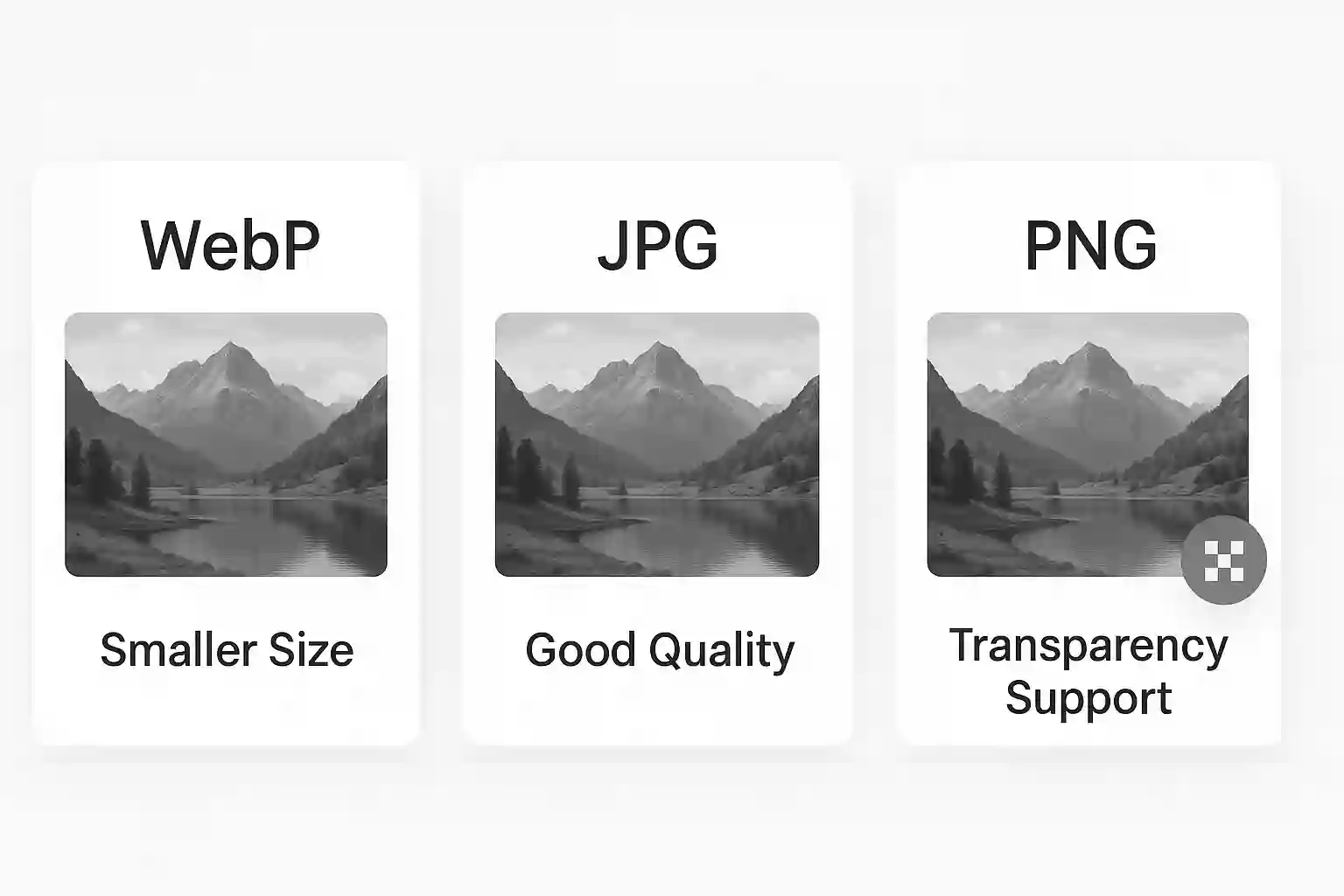
| WebP | 🟢 Smallest | 🟢 Excellent | ✅ Yes | 🟡 95% (Modern) | All web images |
| JPG | 🟡 Medium | 🟡 Good | ❌ No | 🟢 100% (Universal) | Photos |
| PNG | 🔴 Largest | 🟢 Perfect | ✅ Yes | 🟢 100% (Universal) | Graphics, logos |
Real-World Test Results
Original 2MB Photo: JPG = 400KB (80% smaller) | PNG = 1.8MB (10% smaller) | WebP = 280KB (86% smaller)
WebP delivered the smallest file size with the best visual quality!
WebP: The Modern Choice
WebP is Google's modern image format that delivers superior compression and quality. It's becoming the standard for modern websites.
✅ Why Choose WebP
- 25-35% smaller files than JPG/PNG
- Supports transparency like PNG
- Both lossy and lossless compression
- Animation support (replaces GIF)
- Better quality at smaller sizes
⚠️ WebP Limitations
- Not supported in older browsers (IE, old Safari)
- Requires fallback images for compatibility
JPG: The Universal Standard
JPG (JPEG) is the most widely supported image format, making it the safe choice for maximum compatibility.
✅ Why Choose JPG
- 100% browser support - works everywhere
- Great for photos with many colors
- Small file sizes for photographs
- Fast loading and processing
⚠️ JPG Limitations
- No transparency support
- Quality loss with high compression
- Not ideal for graphics with text
PNG: Quality First
PNG prioritizes image quality over file size, making it perfect for graphics that need pixel-perfect clarity.
✅ Why Choose PNG
- Perfect quality - no compression artifacts
- Transparency support with alpha channel
- Ideal for logos and graphics with text
- 100% browser support
⚠️ PNG Limitations
- Large file sizes, especially for photos
- Slower loading times
- No animation support
When to Use Each Format
Choose the right format based on your specific needs:
🌐 Use WebP When:
- Building modern websites (95% browser support)
- You want the smallest file sizes
- You can implement fallback images
- Performance is a priority
📸 Use JPG When:
- Maximum compatibility is needed
- Working with photographs
- Transparency isn't required
- Supporting older browsers
🎨 Use PNG When:
- You need transparency
- Working with logos or graphics
- Quality is more important than file size
- Images contain text or sharp edges
Best Tools to Convert & Compress Images
Ready to optimize your images? Use these free tools to convert between formats and reduce file sizes:
🔧 Free Online Tools
- ImgNinja Image Converter: Convert between WebP, JPG, PNG, and 15+ formats
- ImgNinja Image Compressor: Reduce file sizes by up to 90%
- ImgNinja Image Resizer: Resize images for social media and web
Pro Tip
Use WebP with JPG fallbacks using the <picture> element for optimal performance and compatibility:
<picture>
  <source srcset="image.webp" type="image/webp">
  <img src="image.jpg" alt="Description">
</picture>
Frequently Asked Questions
Which image format is best for websites?
WebP is the best choice for modern websites, offering 25-35% smaller file sizes than JPG/PNG with better quality. Use it with JPG fallbacks for maximum compatibility.
Should I use JPG or PNG for photos?
Use JPG for photos without transparency and PNG for images that need transparency or perfect quality. For web use, convert both to WebP for optimal performance.
How much can WebP reduce file sizes?
WebP typically reduces file sizes by 25-35% compared to JPG and up to 50% compared to PNG, while maintaining excellent visual quality. Use our free converter to test the savings.
Conclusion
WebP is the clear winner for modern web development, offering the best balance of file size, quality, and features. Here's our recommendation:
- Use WebP with JPG/PNG fallbacks for optimal performance
- Choose JPG for maximum compatibility with photos
- Pick PNG when you need transparency or perfect quality
Start optimizing your images today to improve website performance and user experience!
Ready to Optimize Your Images?
Use our free tools to convert formats and compress images for better web performance.
Start Optimizing Now
Related Articles
Complete Guide to Image Compression
June 19, 2025
How to Compress Images to Specific Sizes
June 19, 2025